Master
Password is a way to add another layer of security to your locally
saved usernames and passwords. Whenever you forgot your username or
password for a specific account, you can check that username by going
to the tools but now you have to enter the master password for gaining
access to those usernames and passwords.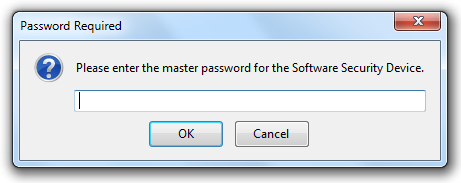
Now
in some cases you might forget your master password and loose control
to your database, well in that case firefox officially provides a
simple and easy way for resetting your master password and choosing
another good password.
Remember Resetting your master password will remove all the usernames and password saved locally for security reasons.
Resetting Master Password :
1. Open Firefox and in the address bar enter the below location and press enter.
chrome://pippki/content/resetpassword.xul
2. Now you will see the reset password page like below, no click on the reset button.

3. That’s it now your master password will get reset and you can choose another good password.


0 comments:
Post a Comment